
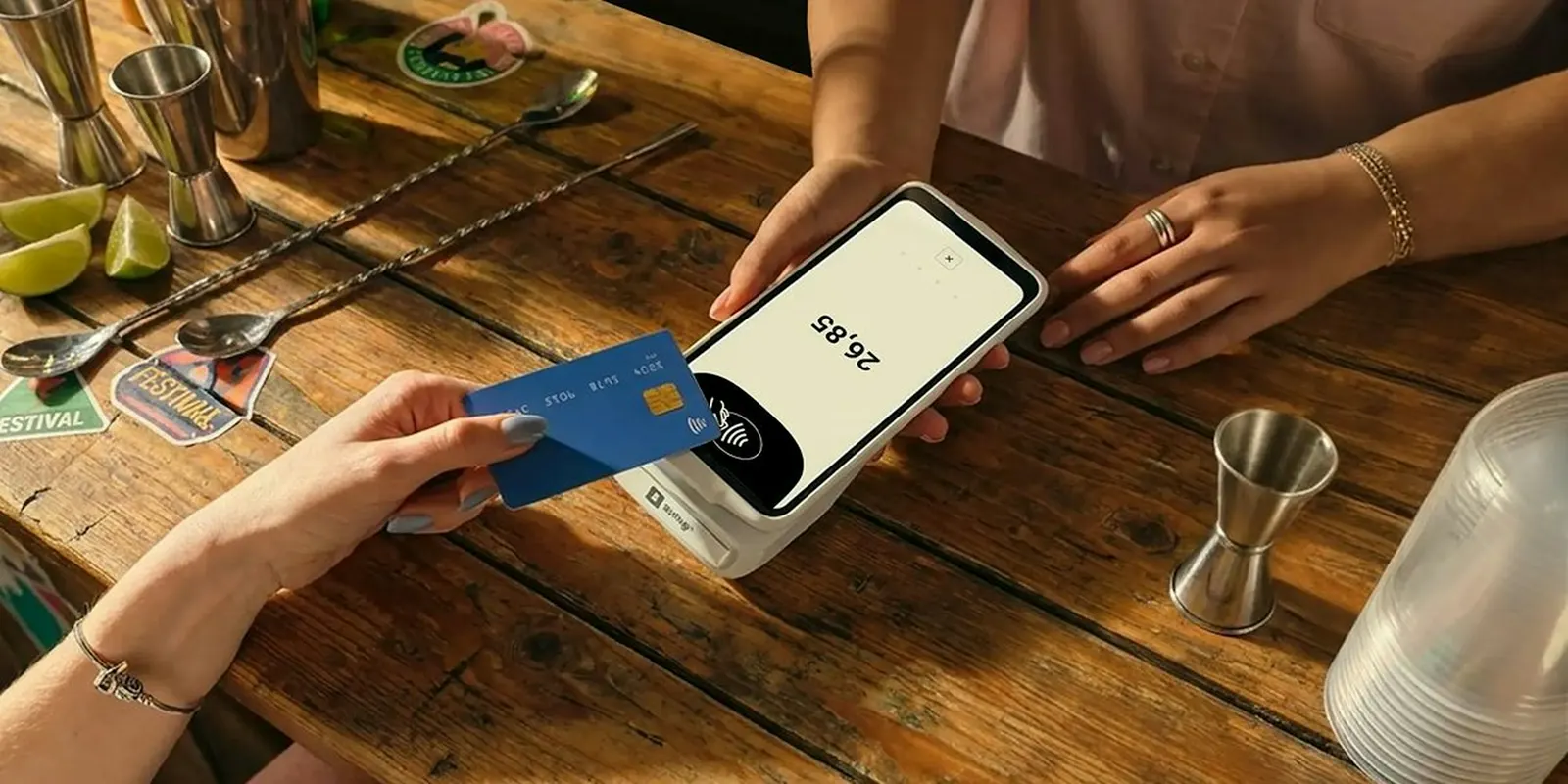
What you need
A Stripe account in your business name, HarborBook Pro with an active licence, and your site on HTTPS.
Connect Stripe
- Turn on the Stripe Payments add-on.
- In your Stripe dashboard, copy the test publishable and secret keys.
- Paste them into the HarborBook payment settings and save.
Test a payment
Book a trip on your site and pay with a Stripe test card. The booking shows as paid, and the payment appears in your Stripe test dashboard.
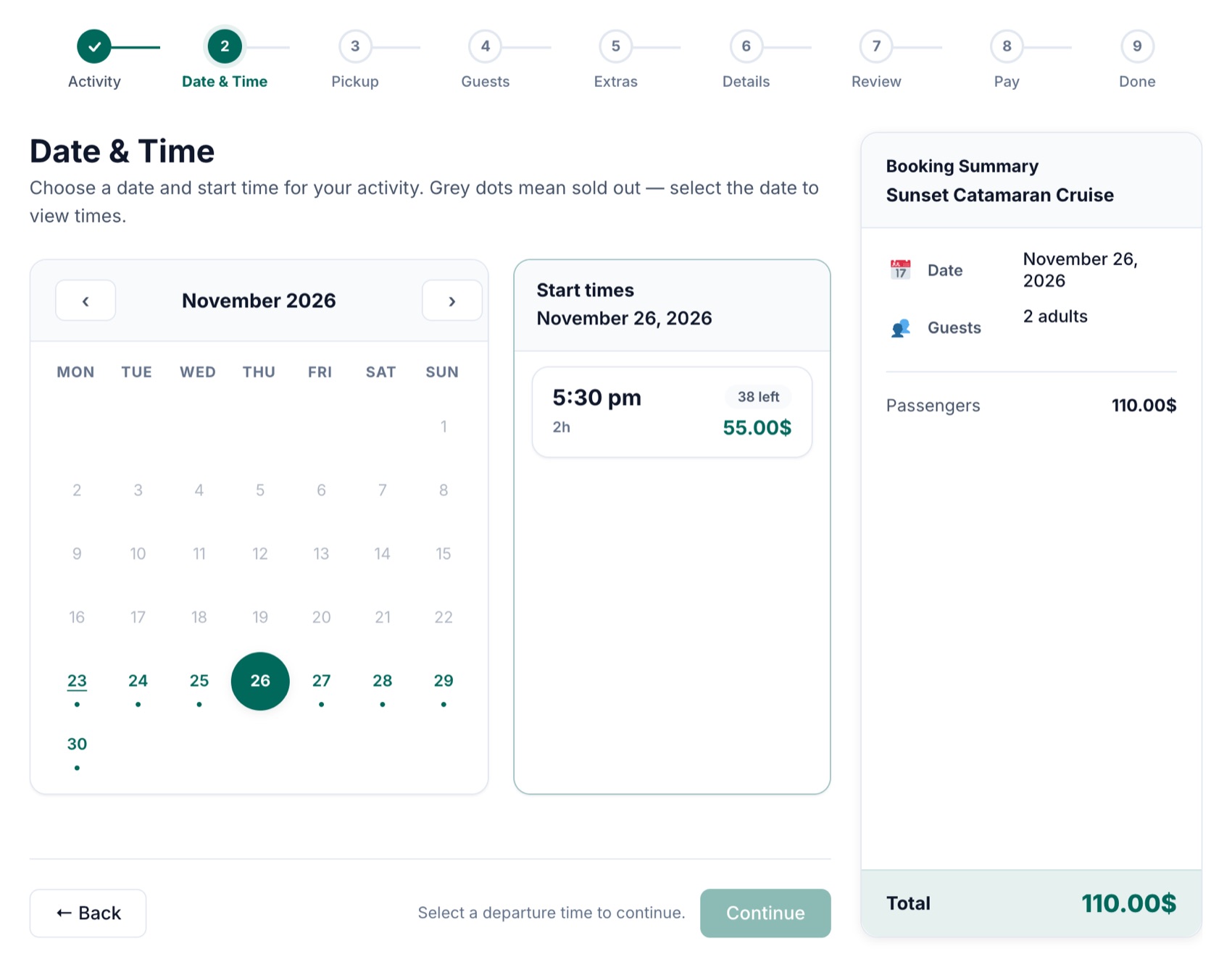
Never test with a real card on live keys. Refunds cost you the card fee.
Pay by card on the demo
The live demo uses Stripe test mode. Use the test card shown on the page.
Go live
Swap the test keys for your live keys and choose whether card payment is required or optional. Make one small real booking to check, then refund it in your Stripe dashboard.
Want only part up front? See how to take a deposit for a tour booking.
Common questions
What does Stripe charge?
Stripe’s own card fee, set by Stripe for your country. HarborBook adds nothing on top.
Can guests still pay on arrival?
Yes. Keep the manual payment option on, and guests choose at checkout.
Can I test without charging a card?
Yes. With Stripe test keys a full booking runs through checkout without charging anything.