

Choose the multi-day type
HarborBook has four activity types. Multi-day is the one for trips with nights: the guest books a start date and the trip runs for a set number of days.
- Go to HarborBook → Activities → Add New.
- Choose the Multi-day type.
- Enter the number of days.
Set the departure dates
Most treks leave on fixed dates. Add each start date with the number of places. A departure that fills up closes on its own.
Price per person and per day
Set the trip price for each passenger type. For things that depend on the length of the trip, such as a sleeping bag or a single room, add an extra charged per day with a stock limit.
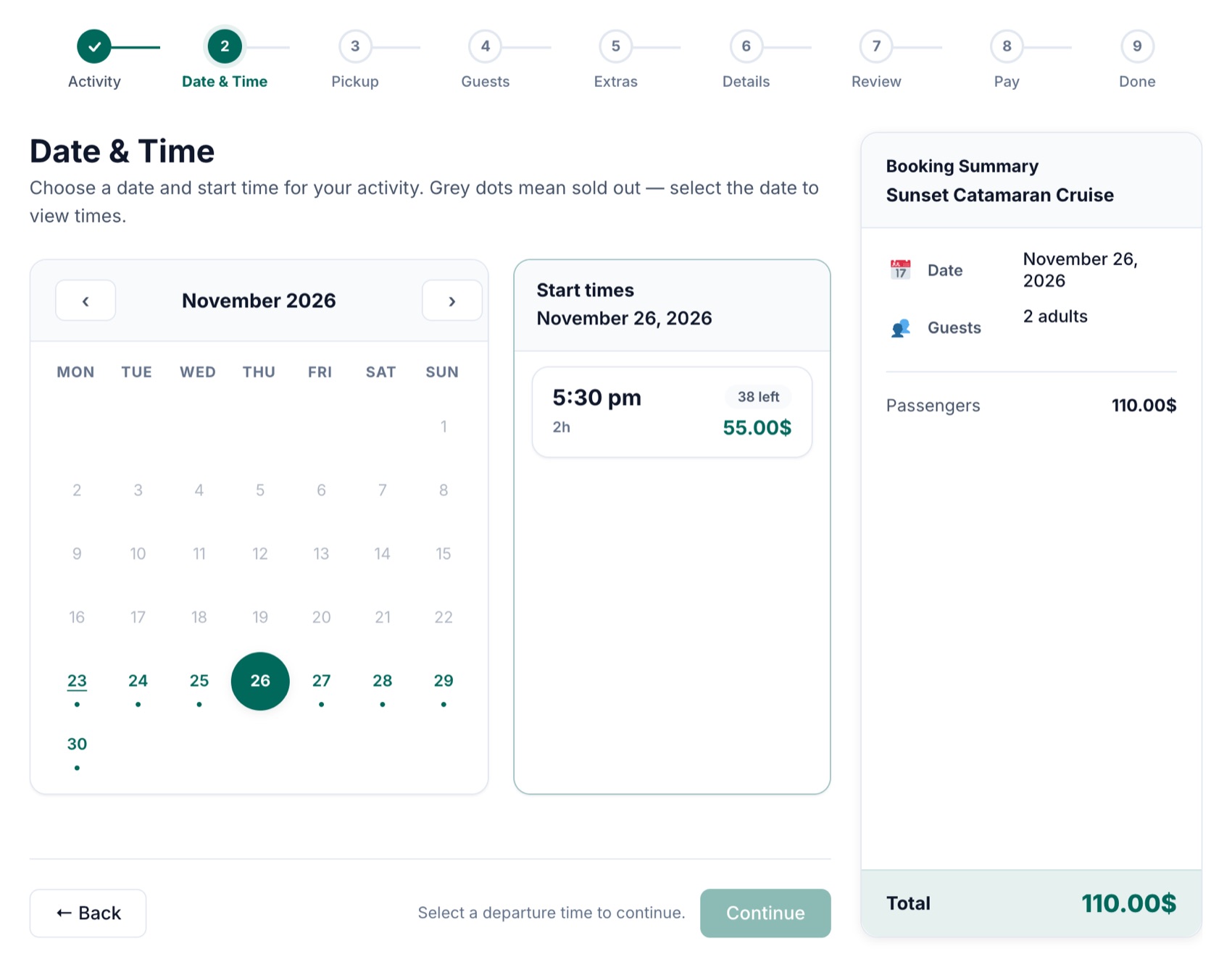
Book the demo trek
The live demo has a four-day trek with per-day extras.
Add the itinerary
Write the day-by-day plan in the activity description. It shows above the booking form, so guests read it before they choose a date.
Take a test booking
Book one place with an extra on the next departure. Check the total, the confirmation email and the manifest for the first day.
Long trips usually need money up front: take a deposit for a tour booking.
Common questions
Can guests choose their own start date?
Yes. Instead of fixed dates, use a weekly schedule so every matching day is a possible start date.
Can I sell single rooms?
Add a single room as an extra charged per day, with stock set to the number of rooms you have.
Can I take a deposit on a trek?
Yes, with the Advance Payments add-on in Pro.