Create discount codes for promotions, hotel partners and returning guests. Guests enter the code in the booking form and see the new total straight away.
Free core plugin0% commissionRuns on your own WordPress site14-day money-back on Pro
Have a coupon?
SUMMER10
Applied
Subtotal$155.00
SUMMER10 · 10% off− $15.50
Total$139.50
In short
How do I offer a discount code on tour bookings?
With the HarborBook Coupons add-on you create a code, choose a percentage or fixed discount and set its limits. Guests enter the code in the booking form and see the new total before they confirm.
What it does.
Percent or fixed amount
Take 10% off, or a flat $20 off the booking.
Limits you control
Start and end dates, total uses, one use per guest, minimum spend.
Target by activity
Restrict a code to chosen activities or let it apply to everything.
Set up in three steps.
1
Install and activate
Upload the add-on and enter your HarborBook licence key.
2
Create a code
Pick the discount, the limits and the activities it covers.
3
Share it
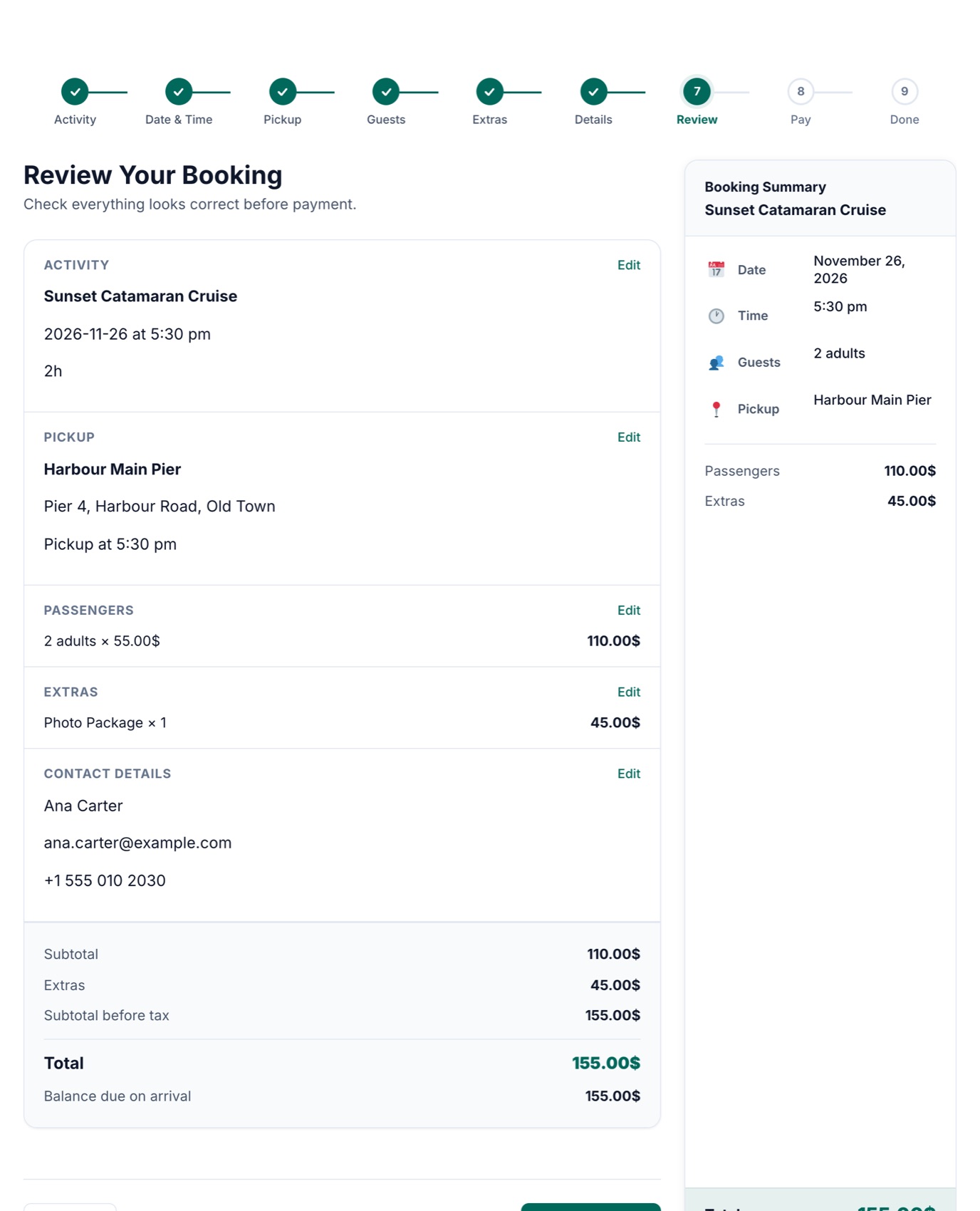
Guests type the code on the review step of the booking form.
Settings at a glance.
Setting
Options
Discount
Percentage or fixed amount
Limits
Dates, total uses, per-guest uses, minimum spend
Scope
All activities or selected ones
Reporting
Uses and discounted revenue per code
Discounts apply to the booking subtotal. How they combine with deposits follows your Advance Payments rule.