Free core plugin0% commissionRuns on your own WordPress site14-day money-back on Pro
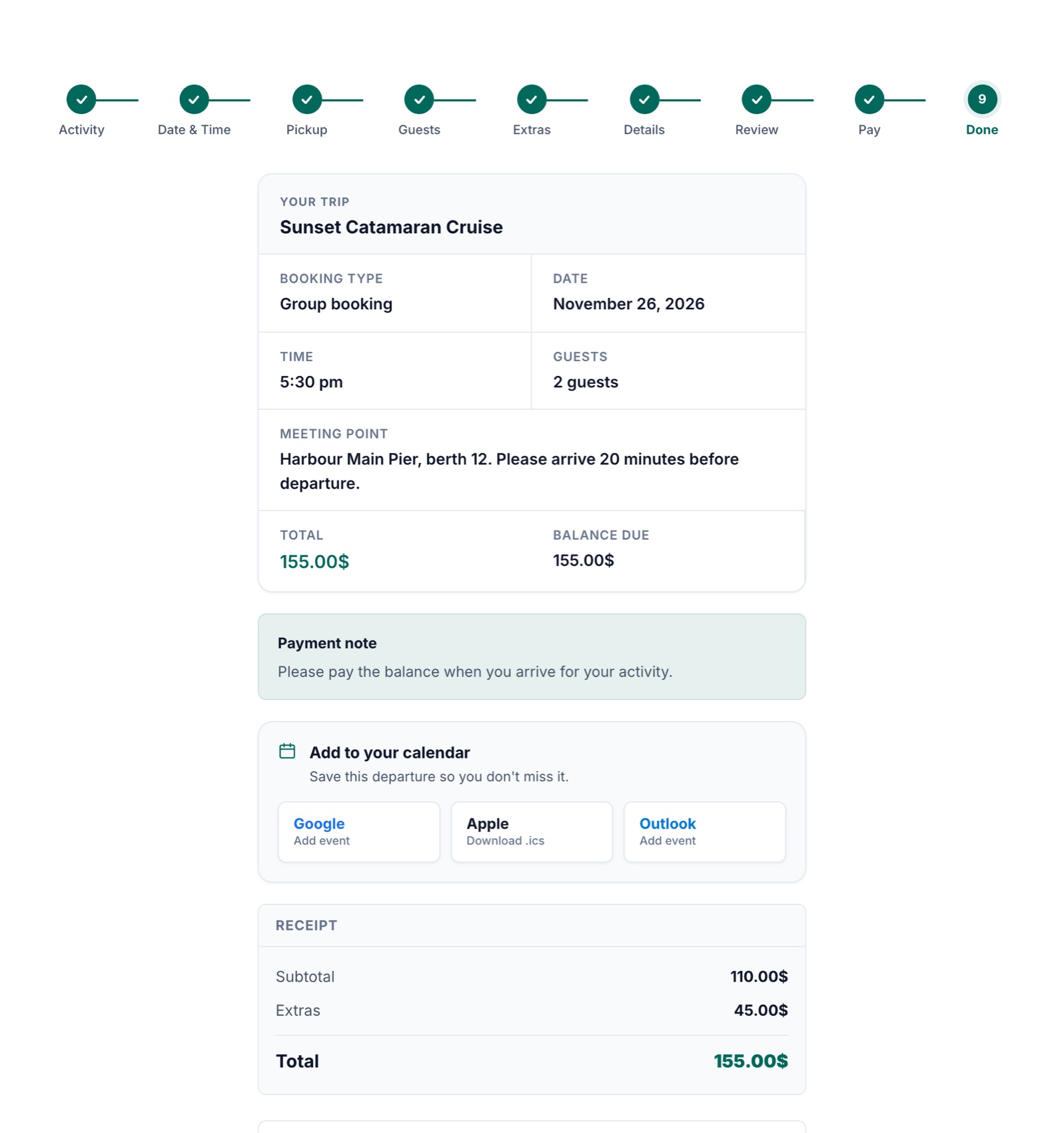
Your booking · HB-3ZOPODH1
Sunset Catamaran CruiseNov 26 · 5:30 pm
Guests2 adults
PickupHarbour Main Pier
Balance due$155.00
Change guest detailsCancel booking
In short
Can guests change or cancel a tour booking themselves?
Yes, with the HarborBook Customer Portal add-on. Every confirmation email carries a private link where guests can view the booking, update guest details and cancel within the window you set.
What it does.
A secure link, no password
Each confirmation email carries a private link to that booking.
Guests update their own details
Names, ages, pickup point and special requirements.
Cancellations inside your policy
Guests can cancel only within the window you set.
Set up in three steps.
1
Install and activate
Upload the add-on and enter your HarborBook licence key.
2
Choose what guests can change
Switch individual actions on or off.
3
Set your cancellation window
For example, free cancellation up to 48 hours before departure.
Settings at a glance.
Setting
Options
Guest actions
View, edit guest details, change pickup, cancel
Cancellation window
Hours before departure
Access
Private link in every booking email
Works with
Stripe Payments, Advance Payments
Refunds after a guest cancels are still approved by you from the booking screen.