
Why take a deposit
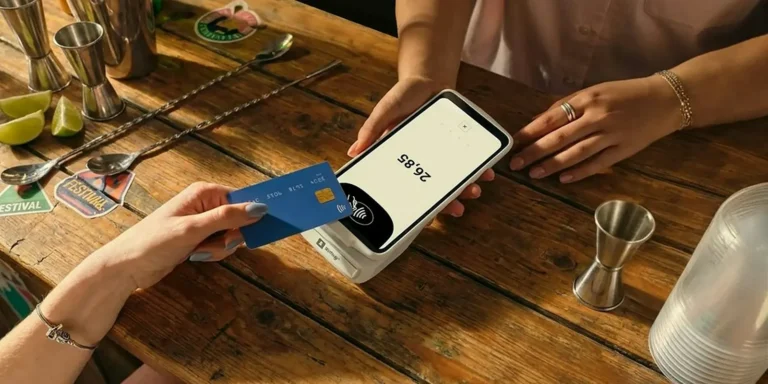
A deposit commits the guest. People who have paid something turn up, and if they do not, the deposit covers part of the empty seat. It also brings money in before the season starts, when costs are highest.
Turn on deposits
- Make sure the Stripe Payments add-on is on, so guests can pay the deposit by card.
- Turn on Advance Payments and choose the default rule for new activities: full payment, deposit or pay on arrival.
Set the deposit on each activity
- Open the activity under HarborBook → Activities.
- Override the default with this activity’s own deposit: a percentage (for example 30%) or a fixed amount.
- Save. The booking form now shows the deposit and the balance before checkout.
Book a trip with a deposit
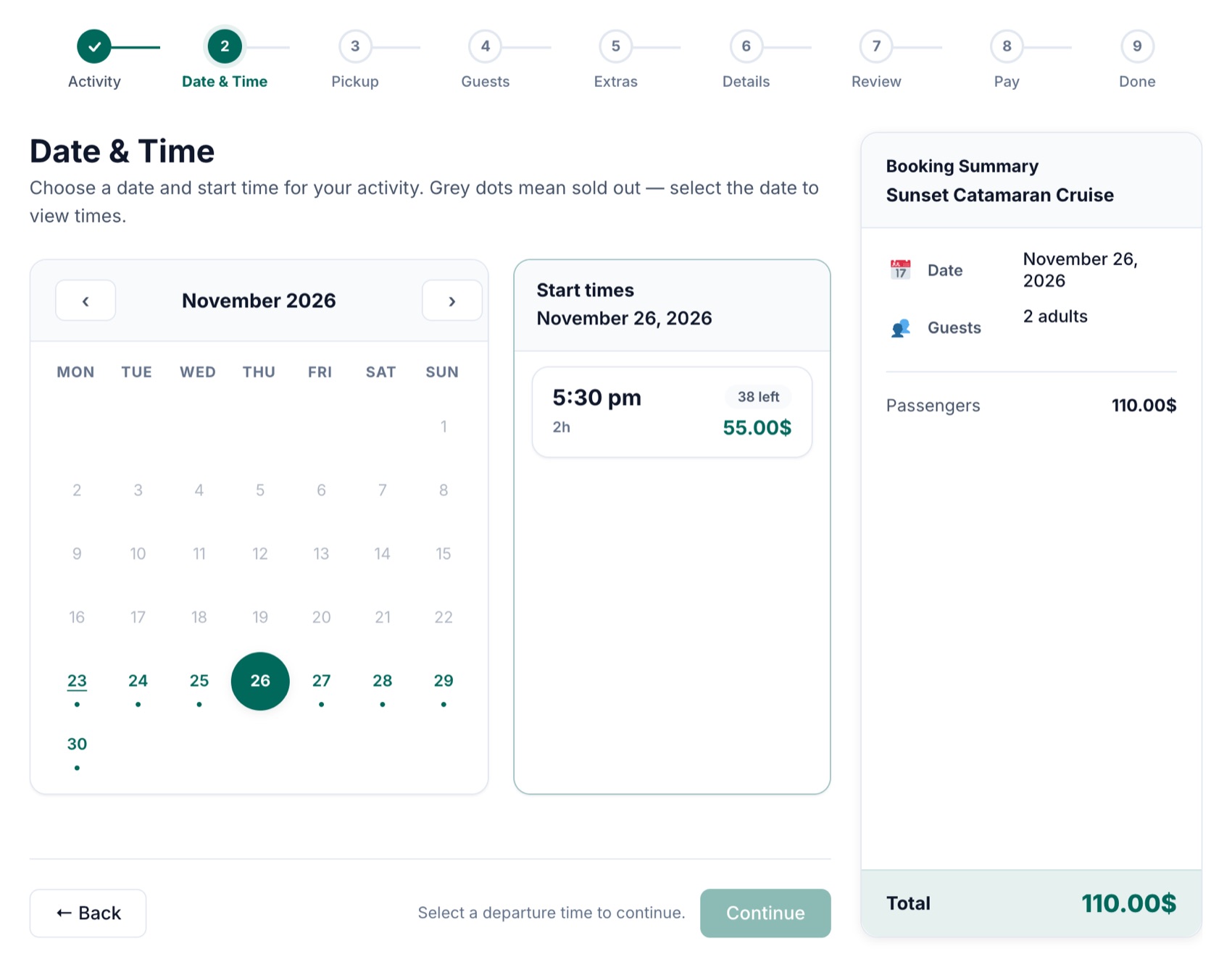
The live demo takes a deposit on the multi-day trek.
Collect the balance
The balance stays on the booking. It shows on the manifest for the day and in the reminder emails, so nobody is surprised. Collect it on arrival and open the booking to choose Record Payment, or take it by card before the trip with Stripe Payments.
Write your deposit and cancellation terms on the activity page and in the confirmation email. Guests should know before they pay whether a deposit is refundable.
Fewer empty seats is the next step: five ways to cut no-shows on water activities.
Common questions
Can I take deposits without Pro?
Not online. In the free core you can record a deposit you took yourself as an offline payment on the booking.
Can some activities take a deposit and others full payment?
Yes. The deposit is set per activity. Activities without one take the full price at checkout.
Is the deposit refundable?
That is your policy. State your terms on the activity and in the confirmation email before guests pay.